Petwidge
Support
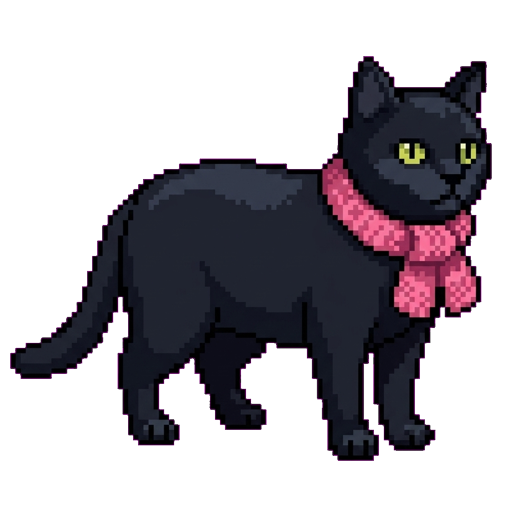
Petwidge turns your pet photo into pixel art for your home screen widget, Lock Screen, and Dynamic Island. Here's how to get help when something feels off.
How it works
- Take or pick a photo of your pet.
- Tap Create My Pet — we generate pixel art in a few seconds.
- Approve it, name your pet, and save.
- Place it on your home screen widget or Dynamic Island from the saved pet screen.
Free generations
Every day, you get 3 free generations — they reset at midnight, local time. Saved pets are always yours. We never delete a pet you've saved.
Common fixes
- Widget looks stale or blank — remove the widget and re-add it from the widget gallery. iOS sometimes needs a nudge.
- Dynamic Island / Live Activity missing — reboot the device. iOS updates sometimes pause Live Activity rendering until a restart.
- Camera or Photos not working — check Settings → Petwidge and re-grant camera and photo permissions.
- Generation failed — confirm you have internet connectivity, then try again. If it keeps failing, email us with your device and iOS version.
- Pet doesn't look quite right — the AI interprets your photo but isn't always perfect. Try a clearer, better-lit photo of your pet.
When you email us
- Your iPhone model and iOS version
- A screenshot or short screen recording
- Whether the issue is in the widget, the Lock Screen, or the Dynamic Island
Privacy
We don't have accounts or analytics. Photos are processed once per generation by Google Gemini and not stored on our side. Full details: privacy-policy.html.